
Frequently Asked Questions
RedRightBuyer.com
Effective Date: July 26, 2026
Have questions? We've got answers.
General
What is RedRightBuyer and how does it work?
RedRightBuyer allows visitors to see political leans of companies at a glance. Visitors are encouraged to shop our members and join the conversation by commenting and voting on company profiles. Nonmember companies are researched and rated by RRB and assigned a lean / color. Member's political leans are determined by the members. View the profiles for more information on the companies.
We also allow our visitors to see and rate Movies and TV shows on WOKENESS. Tell us if you liked the show and leave comments for our visitors to see.
What's the deal with the different colors and lean ratings?
Color coding is a quick visual that reflects our editorial assessment of a company's political stance. Blue represents liberal companies, red represents conservative companies, and white indicates a neutral rating.
Certified Members choose their own political lean.
RedRightBuyer publishes nonmember profiles of American businesses, including a lean rating that reflects our editorial judgment of each company's political alignment.
Learn more about our Editorial Standards: Editorial Standards
How are Companies Rated?
Every company on RedRightBuyer falls into one of two categories.
Certified members are businesses that have signed up, agreed to our terms, and chosen how they want to be listed. They control their own profile and lean rating.
Non-member rated profiles are companies we have researched and rated based on publicly documented sources. The company has not paid us, has not asked to be rated, and does not control the profile. The rating reflects our editorial judgment based on the evidence we cite.
Click here to see more information: How We Research Companies
Can I dispute my political lean rating?
If you are a certified member, you can change this in your back office. Simply log in and change your setting. If you are a nonmember and would like to dispute or discuss your rating, please fill out the form below or email us at corrections@redrightbuyer.com. The form is the best way to communicate this. You must show proof of your affiliation with the company in question.
When Is the App Coming?
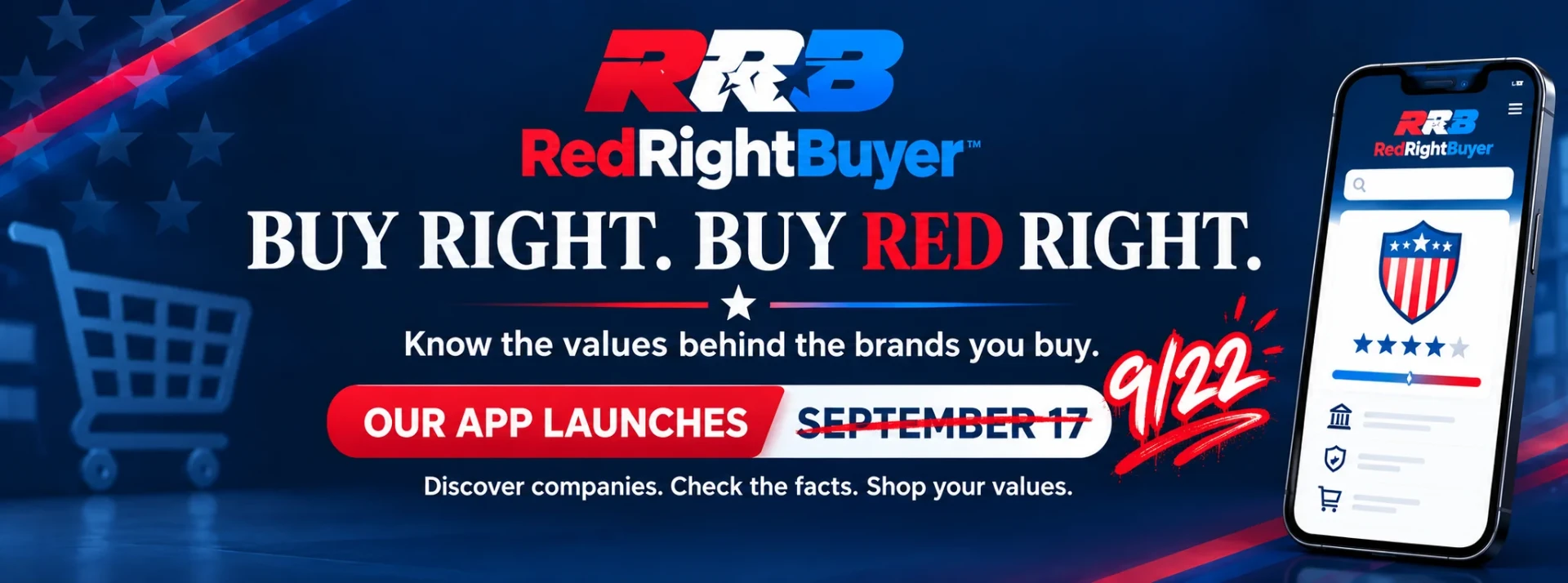
Both Apple and Android apps are approved. We are BETA testing them now and they will launch Sept 17th 2026.
Membership & Billing
How do I edit my business listing?
Log in at the top of the site using the email and password you created. Once logged in, click on your profile to make changes. Changes must be approved before updating on the site.
How do I log in for the first time?
Click the RRB sign-in logo at the top of the site. Use the email and Member ID provided in your welcome email to log in for the first time. You will also need the 4 digit security code listed in your welcome letter.
How long does it take for changes to my listing to appear?
Most changes are reviewed and should be approved within 48 hours. The short delay helps us catch inappropriate content before it goes live, and it also helps us maintain security. If you see anything that looks wrong, please let us know.
Thank you for your patience.
How do customers find me?
Visitors can find you by browsing by market or category. Each has a search-by-name field as well. You can also share you profile from your profile or there is a share button on the top of your badge.
How do I reset my password?
To reset your password, click the sign-in logo at the top of the site and select "Forgot Password." Follow the instructions sent to your email on file. If you need additional help, contact us at Members@redrightbuyer.com.
How do I get and use my official RRB logo?
Your profile has an embedded RRB logo - the red, white, and blue logo. If you want a chrome version for dark backgrounds, email Members@redrightbuyer.com and we will send one over. You may use it on your website, advertisements, business cards, email signature, and more. Be sure it links back to your RRB profile.
Can I be listed in more than one category or market?
Yes. Contact us at Members@redrightbuyer.com to discuss adding additional categories or markets to your listing.
How do I upgrade my membership level?
To upgrade your membership, email Members@redrightbuyer.com and we will take care of it for you.
What happens if I want to cancel my membership?
You may cancel at any time by emailing Admin@redrightbuyer.com. Your listing will remain active through the end of your current billing period.
When will I be billed again?
Monthly members are charged on the same date each month. Annual members are charged once per year on the anniversary of their sign-up date.
RedRight Entertainment
What is RedRight Entertainment?
RedRight Entertainment is our movies and TV shows section. It works the same way the company directory works, except the community does the rating instead of us. Every title has a trailer, a synopsis, a content rating, and where you can watch it. Signed in visitors rate each title, vote thumbs up or thumbs down, and leave comments. Browse Movies or TV Shows from the top menu.
How are movies and shows rated?
Titles are rated entirely by the community, not by us. RedRightBuyer does not assign a lean to any movie or TV show. Every signed in user gets one rating per title, and the bar you see is the average of those votes. You can change your rating any time. The number under the bar tells you how many people have voted, so you can judge for yourself how much weight to give it.
Why does the rating bar say Woke and Wonderful instead of Blue and Red?
Shows are based on our users' thoughts about how woke the movie is, not about the political lean. The woke culture has taken over the movie and TV industry and it helps to know ahead of time if there is a better choice.
Can I rate a title myself?
Yes, with a free account. Open any title and drag the Your Rating bar to where you think it belongs. Your individual rating is never shown publicly. Only the community average is.
A movie I want is not listed. Can I request it?
Yes. Use the Request a Title link at the bottom of the Movies or TV Shows page, or from the Top 10 screen. Give us the name and tell us whether it is a movie or a show. We review every request and decide what gets added.
What is a Top 10 list?
Your Top 10 is your own ranked list of favorite movies and your own list of favorite TV shows. Two lists, ten slots each. Search for a title, add it, and put it in the order you want. Your list is private to you until you choose to share it.
How do I build my Top 10?
Sign in, then open Your Profile and choose MY TOP 10. Pick the Movies or TV Shows tab and tap the plus to drop it into the next open slot. Reorder however you like, then press SAVE MY TOP 10. You can come back and change it whenever you want. You can also indicate a top ten item from the Shows profile card.
Can I save a title to come back to?
Saving titles is a feature of the RedRightBuyer mobile app. Open any title and tap SAVE, then find everything you saved under Saved Movies and TV on the Me screen. On the website you can use the Share icon on a title to copy its link.
Community
Can I comment or vote on companies?
Yes. Sign in with a free account to leave comments and thumbs up or thumbs down votes on any company profile. Comments are public and moderated. You will choose a username the first time you comment. If you see a comment that violates our standards, use the report option and our team will take a look.
Your Account
Do I need an account to use RedRightBuyer?
No. Browsing companies, reading profiles, and watching trailers are all open to everyone. You only need a free account to take part: commenting, thumbs up and thumbs down, rating movies and shows, building a Top 10, and saving businesses.
How do I create a free account?
From the website, click the RRB Login icon on the top right. From the App you can sign up through the welcome screen or by hitting the "ME" button at any time. Your name, email (for signing in), and new password is all that is needed.
How do I know whether I am signed in?
Look for the "Signed in as" line with your username on it. On the website it sits in the header. In the app it appears at the top of the Me screen. If you see a sign in prompt instead, you are signed out.
What is my username and can I change it?
Your username is the public name shown on your comments. Your email address is never shown. You pick a username the first time you comment, and it can be 3 to 20 characters using letters, numbers, and underscores. To change it later, open Your Profile and edit it there.
Where do I find my saved businesses and my Top 10?
Everything lives in one place. On the website, click your username in the header to open Your Profile. In the app, use the Me tab. Saved businesses, your Top 10 lists, and your username are all there.
How do I delete my account?
You can delete your account yourself from the Me screen in the mobile app. Deleting removes your account and your comments permanently and cannot be undone. If you do not use the app, email us and we will take care of it.
I forgot my password.
Use the Forgot Password link on the sign in screen. We email you a reset link. Business members with a Member ID use the same reset page.